RestoHub

Warming up the kitchen...

RestoHub
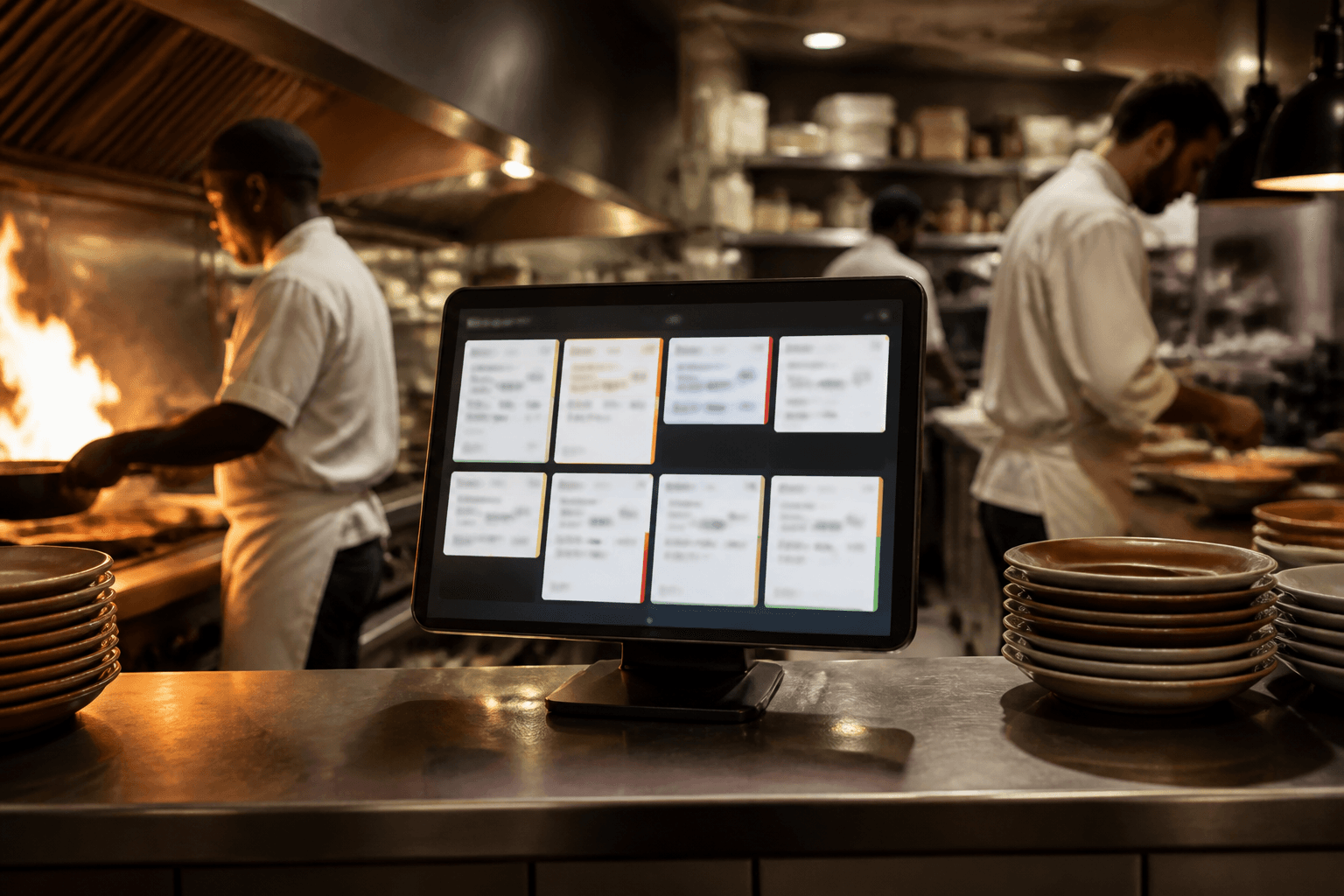
Kitchen display tablet on the pass during service

Blog · RestoHub · 2026-08-05 · 8 min read

What Is a Kitchen Display System?

What a kitchen display system (KDS) is, how ticket statuses work, and why live kitchen boards reduce shouting between floor and pass.

A kitchen display system (KDS) replaces paper tickets with a screen that shows live orders and their status. Cooks bump items as they move from new to preparing to ready — so the floor knows what is actually happening on the pass.

Modern KDS thinking is less about flashy hardware and more about reducing verbal chaos. When the board is the source of truth, fewer plates are remade and fewer tickets are lost under a cutting board.

Typical ticket lifecycle

  • New / Pending — ticket arrived from floor or POS
  • Preparing — kitchen has started the work
  • Ready — pass can be cleared / runner notified
  • Completed — ticket leaves the active board

Why restaurants adopt KDS

Paper tickets smudge, stack, and vanish. A shared board helps multi-station kitchens coordinate. It also creates a calmer training path for new cooks: watch the board, not ten overlapping voices.

A KDS only works if the floor sends clean tickets. Garbage in still means garbage on the pass.

KDS vs “group chat kitchen”

WhatsApp photos of handwritten orders do not scale. They lack status, timing, and assignment. A kitchen board is structured communication — the same reason airports use departure boards instead of group texts.

RestoHub’s live kitchen board follows this model so floor and kitchen stay on one pulse without a full page reload during service.
Put it into practice

Start Using RestoHub Free

Turn this guide into daily ops — kitchen, stock, menus, and team in one hub.

Related product page: Restaurant Kitchen Management · What is free

Continue reading

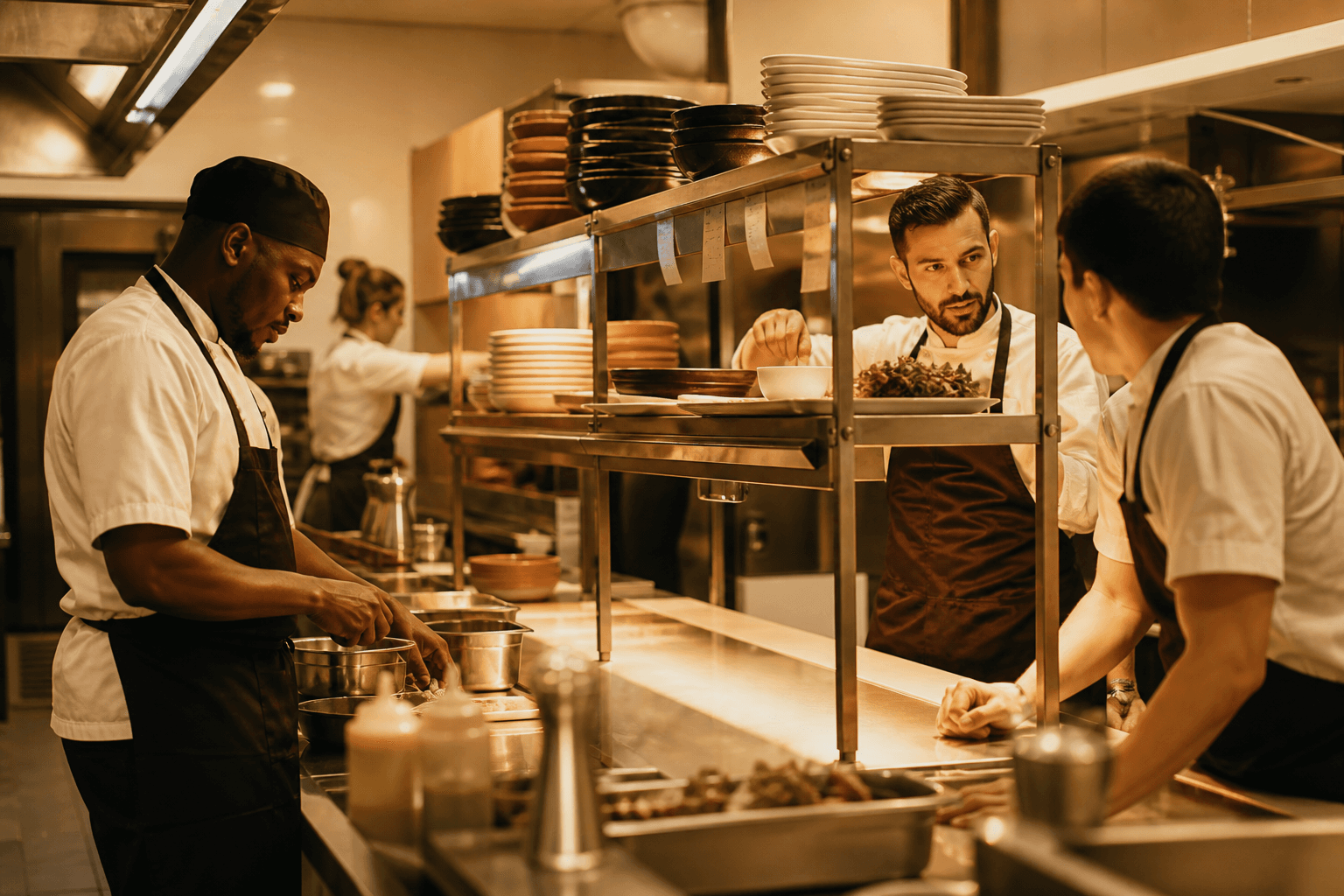
Organized kitchen pass workflow during service

How to Improve Restaurant Kitchen Workflow

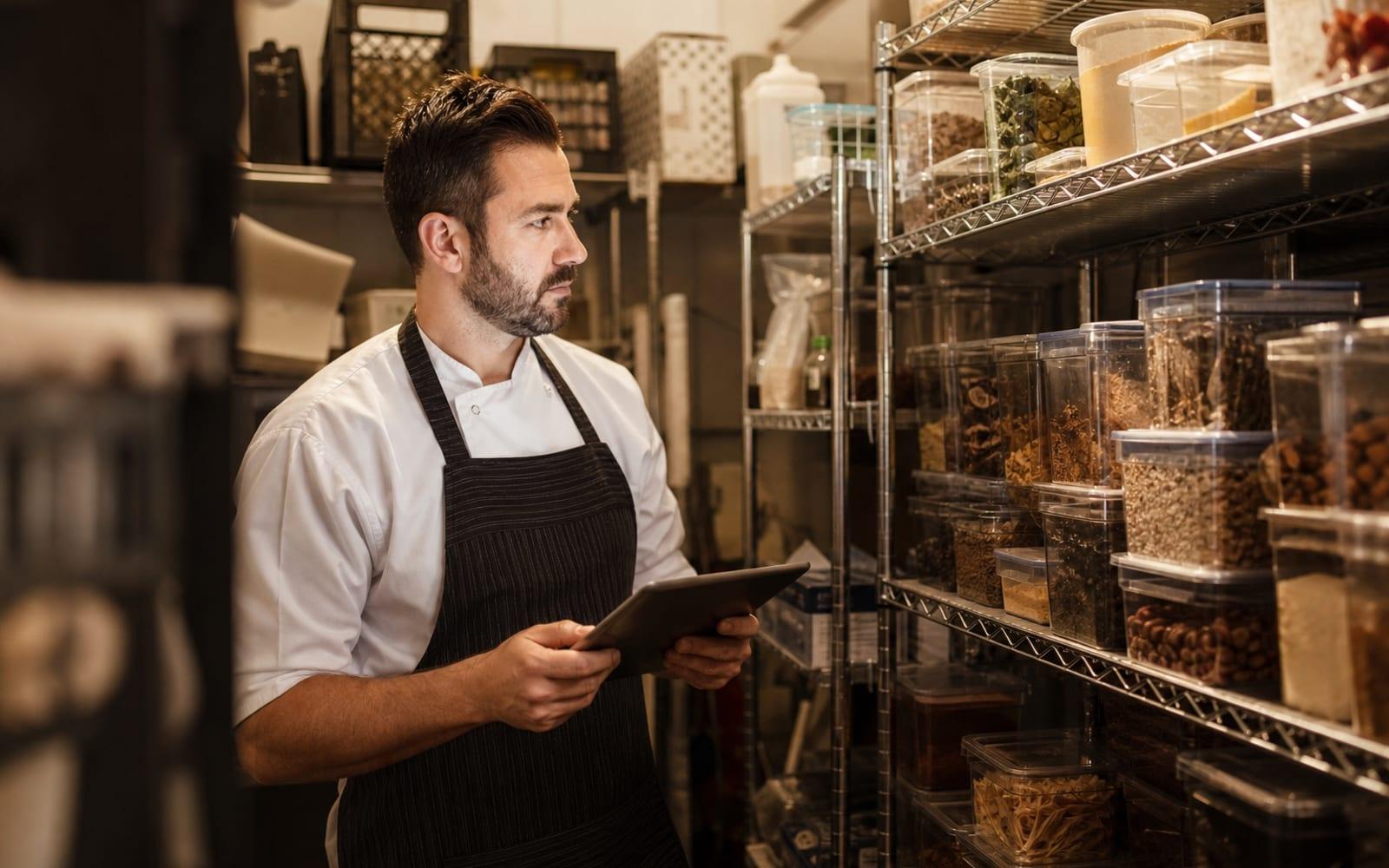
Stock room with tablet inventory instead of only paper notes

How to Track Restaurant Stock Without Excel

Chef weighing ingredients for food cost calculation

How to Calculate Restaurant Food Cost

RestoHub

Free restaurant management software — live kitchen, QR menus, stock, tables, finance, and multi-outlet teams.

  • ✓ Free to start
  • ✓ Role-based access
  • ✓ INR-ready

Product

  • Restaurant management
  • Free plan
  • Kitchen board
  • QR menus
  • Inventory
  • Blog

Explore

  • Home
  • Features
  • Blog
  • About
  • Contact
  • Privacy
  • Terms
  • Sign up free

Contact

  • rounak153d@gmail.com
  • +91 98151 21578

Why RestoHub

  • ✓ Built for real kitchens
  • ✓ Live floor ↔ kitchen
  • ✓ Multi-outlet ready
  • ✓ Free for this release

© 2026 RestoHub. All rights reserved.

Developed by Panelverse