RestoHub

Warming up the kitchen...

RestoHub
  1. Home
  2. /Restaurant Kitchen Management

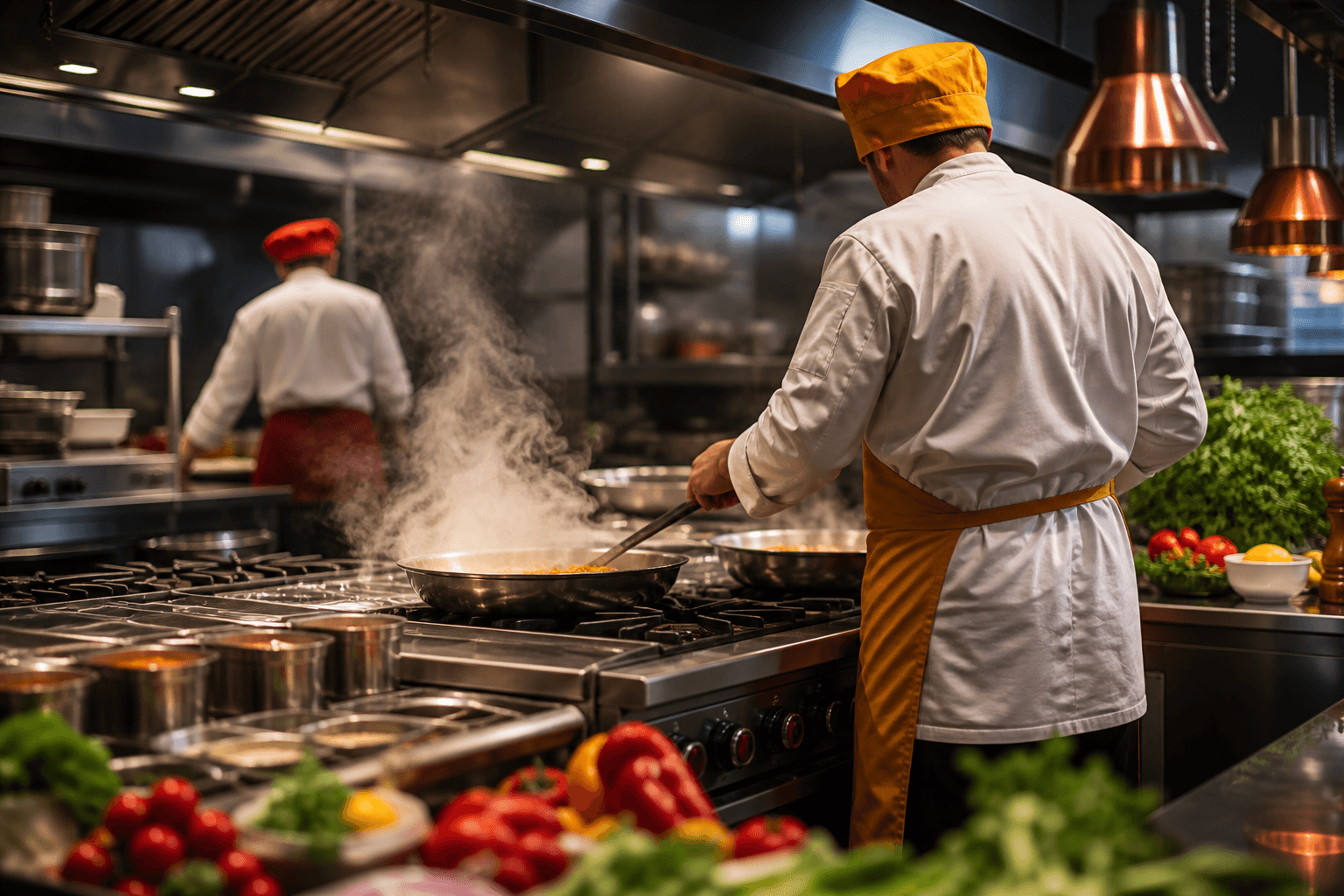
Live kitchen board

Restaurant Kitchen Management System

Give the pass a live ticket board. When the floor sends items, kitchen sees Pending → Preparing → Ready without shouting or refreshing.

What operators need to know

The kitchen is a real-time factory. When tickets arrive on paper, get buried, or disagree with what the floor said, you lose margin in remakes, comps, and stress.

Kitchen management software — often implemented as a Kitchen Display System (KDS) — puts every active ticket on a board the pass can read at a glance: Pending, Preparing, Ready, and done.

RestoHub’s kitchen board runs in the browser on tablets or desktops. Sent items from the floor appear automatically; chefs update status; floor sees badges without shouting across the room.

Reservation-aware logic keeps prebooked tickets off the board until guests arrive so you are not cooking mains for no-shows.

Workflow

  1. New order→
  2. Pending→
  3. Preparing→
  4. Ready→
  5. Completed

Practical insights for your team

How this capability shows up during real service — not generic software marketing.

KDS-style workflow without proprietary hardware

Traditional KDS vendors sell screens, mounts, and maintenance contracts. Browser-based boards use hardware you already own and update over the air.

The pass needs large readable tickets, fast status taps, and live sync — not another login that lags during rush.

  • ✓Live board while kitchen tab stays open
  • ✓Statuses: Pending, Preparing, Ready, Completed
  • ✓Works with dine-in, takeaway, and waitlist sends
  • ✓Tablet-friendly layout at the pass

Coordination with front of house

Kitchen software fails if floor never marks items sent or if statuses do not flow back. RestoHub ties order send to ticket creation and reflects kitchen progress on the floor view.

Expeditors can prioritize by ticket age and service mode when the board is honest.

  • ✓Single ticket per send — no duplicate entry
  • ✓Modifiers visible on ticket
  • ✓Ready state triggers floor pickup behavior
  • ✓Less walk-in to pass for status checks

Reservation and timing discipline

Cooking for reservations too early wastes food and skews prep lists. Holding tickets until Guest arrived protects the line during pre-service.

Timed table holds (T−15 pattern) align floor seating with kitchen start.

  • ✓Prebooked tickets gated until arrival
  • ✓Takeaway can fire immediately on send
  • ✓Waitlist pre-orders follow your floor SOP
  • ✓Analytics later show peak firing times

Kitchen culture and software together

Software does not replace mise en place or communication — it removes ambiguity about what was ordered and what state it is in.

Train line cooks to tap Preparing when they start and Ready when plated — floor trust depends on it.

  • ✓One owner of status updates at pass
  • ✓Clear sound or visual when new Pending arrives
  • ✓End-of-night Completed cleanup ritual
  • ✓Pair with prep checklists for station readiness

Problems restaurants face

  • –Floor and kitchen argue over what was ordered.
  • –Paper tickets get lost under plates.
  • –Nobody knows what is actually ready.

Who it is for

  • Chefs
  • Expeditors
  • Floor leads

Real scenarios

Open kitchen concept

ScenarioGuests see line; timing is brand promise.

With RestoHubBoard keeps apps and mains synchronized; Ready badges reduce premature runs.

High-volume takeaway kitchen

ScenarioContinuous Pending queue.

With RestoHubStatuses let packers grab only Ready orders.

Fine dining two-pass

ScenarioApps and mains coursed.

With RestoHubTickets show modifiers; fire timing controlled from floor send.

Ghost kitchen multi-brand

ScenarioSame line, different menu tags.

With RestoHubDistinct tickets per send; kitchen filters by service mode.

How RestoHub helps

Live kitchen board

Tickets update automatically while the kitchen page stays open — designed for tablets at the pass.

Clear statuses

Move lines through Pending, Preparing, and Ready so the floor can see progress.

Works with all service modes

Dine-in, takeaway, and seated waitlist orders can land on the same board when items are sent.

Without vs with RestoHub

AreaTypical workaroundRestoHub
Ticket mediumPaper chitsDigital board
Status visibilityShout 'pick up'Ready on board + floor badge
Lost ticketsUnder heat lampsAlways on screen until Completed
Reservation timingCook early by habitHeld until guest arrived
HardwareDedicated KDS leaseTablet + browser
UpdatesManual reprintLive sync from floor sends

Getting started roadmap

Phase 1 · Install at pass

  • →Mount tablet at eye level
  • →Log in kitchen role account
  • →Keep board tab open entire service
  • →Test send from floor with one item

Phase 2 · Service standards

  • →Pending → Preparing when work starts
  • →Ready only when plate is complete
  • →Completed after pickup or serve
  • →Review stuck Preparing tickets hourly

Phase 3 · Improve

  • →Add prep checklist by station
  • →Train floor on reservation holds
  • →Read KDS blog article for industry context
  • →Link inventory alerts for key proteins

Operator tips

  • Brightness up, auto-lock off, tablet plugged in all service.
  • Do not use kitchen login for floor — role separation reduces mistakes.
  • If Ready times drift long, fix staffing or menu complexity, not just the board.
  • Completed tickets clear mental clutter — tap through consistently.
  • Pair with checklist software for opening prep verification.
  • See order management for queue-specific workflows.
  • Blog: improve kitchen workflow — linked from blog index.
  • Sound notifications optional; visual Pending count often enough.

Key benefits

  • Less pass shouting
  • Faster readiness visibility
  • Multi-device friendly
See what is free on RestoHub →Read operator guides on the blog →

Frequently asked questions

Is this a kitchen display system (KDS)?+

RestoHub provides a live kitchen board in the browser — a practical KDS-style workflow on tablets or desktops without dedicated hardware lock-in.

Do reservations show before guests arrive?+

Prebooked reservation tickets stay off the kitchen board until Guest arrived — so the pass is not cooking too early.

How many kitchen boards can I run?+

Multiple devices can show the same outlet board while sync stays live.

Does the board work offline?+

Live sync requires connectivity — same as most cloud KDS. Plan backup SOP for outages.

Can I bump ticket priority?+

Operational priority follows send time and floor workflow; train expeditor on service order.

Related capabilities

Restaurant Order ManagementRestaurant POS SoftwareRestaurant Checklist Software

Start Using RestoHub Free

Create your free account and set up your first outlet in minutes.

RestoHub

Free restaurant management software — live kitchen, QR menus, stock, tables, finance, and multi-outlet teams.

  • ✓ Free to start
  • ✓ Role-based access
  • ✓ INR-ready

Product

  • Restaurant management
  • Free plan
  • Kitchen board
  • QR menus
  • Inventory
  • Blog

Explore

  • Home
  • Features
  • Blog
  • About
  • Contact
  • Privacy
  • Terms
  • Sign up free

Contact

  • rounak153d@gmail.com
  • +91 98151 21578

Why RestoHub

  • ✓ Built for real kitchens
  • ✓ Live floor ↔ kitchen
  • ✓ Multi-outlet ready
  • ✓ Free for this release

© 2026 RestoHub. All rights reserved.

Developed by Panelverse