A simple system for restaurant inventory: ingredients, units, reorder levels, outlet stock, and alerts — without drowning in spreadsheets.
Inventory management in a restaurant is not warehouse ERP. It is knowing whether tonight’s service will run out of oil, paneer, packaging, or a signature sauce before the rush — and catching that risk early enough to reorder or 86 an item calmly.
Food cost control research and operator playbooks agree on a pattern: the items that kill service are rarely exotic. They are high-velocity staples. Start there.
Start with a short critical list
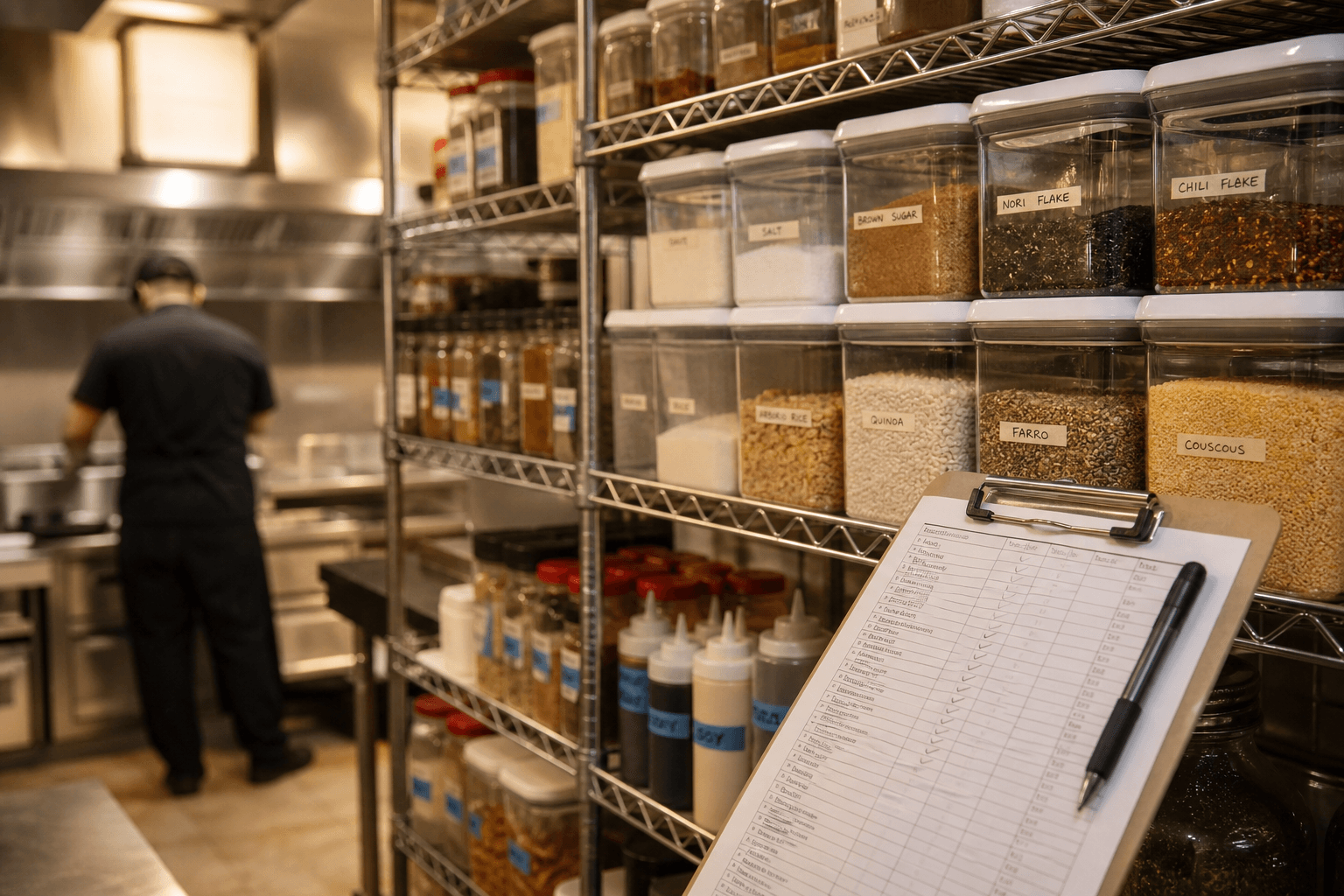
List the 20–40 ingredients that actually stop service when missing. Add units (kg, L, pcs). Ignore rare garnish items until the basics are stable. Update the list after two busy weekends — your “critical” set will sharpen quickly.
- Proteins and high-cost produce
- Oils, dairy, and breads that vanish mid-service
- Packaging for takeaway and delivery
- Signature sauces or spice mixes unique to your menu
Set reorder levels per outlet
A cloud kitchen and a dine-in dhaba burn stock differently. Keep quantities and reorder thresholds per location. Review them after festivals, weather swings, and menu pushes — not only at month-end.
Count on a rhythm, not a hero night
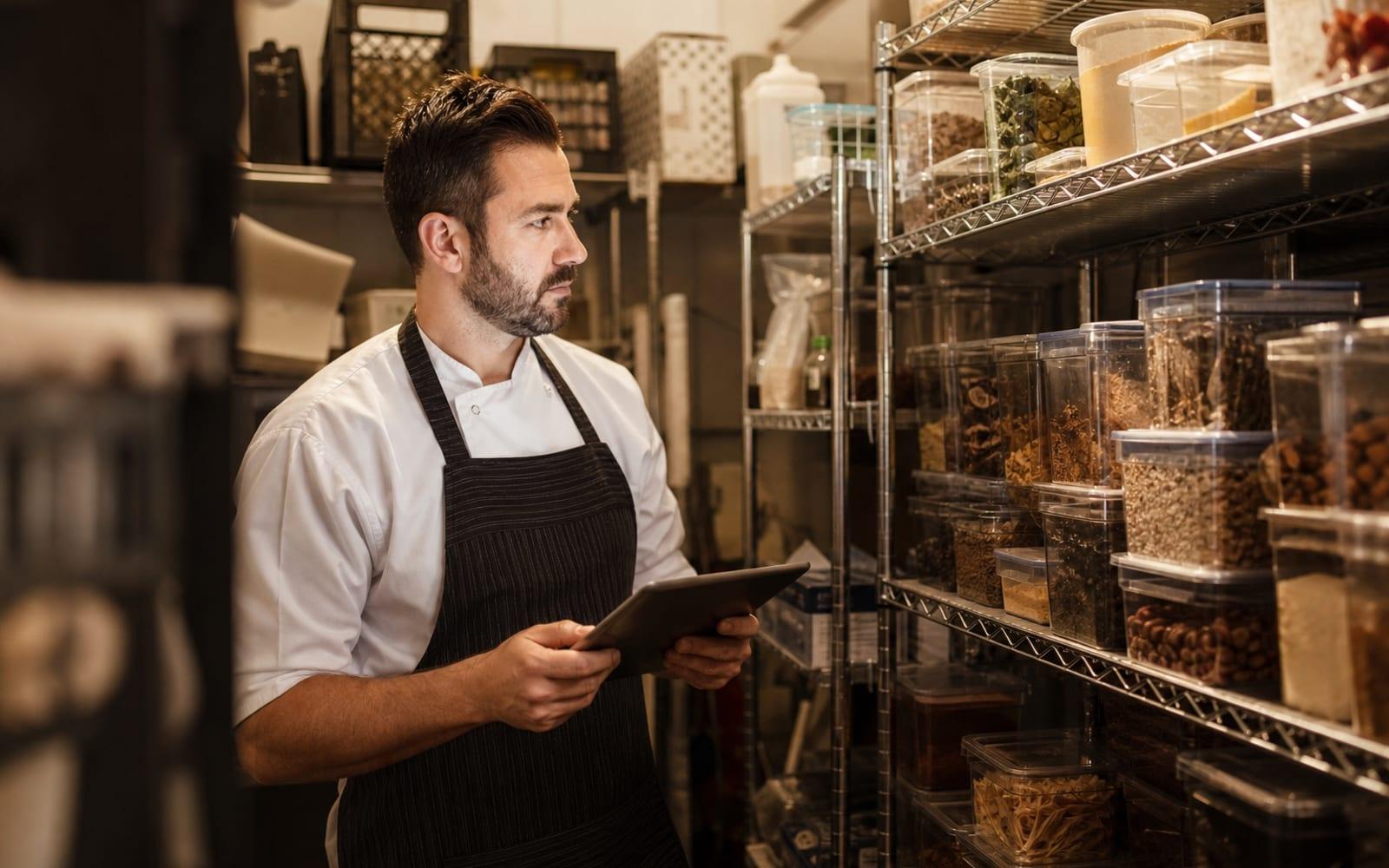
Weekly counts for critical items beat heroic monthly audits that nobody trusts. Assign one person, one day, one tablet or checklist. Record waste separately from “sold” so your food cost story stays honest.
Connect inventory to the floor
When an item is unavailable, mark it on the menu so QR guests and floor staff stop selling it. Low-stock alerts should reach managers — not only sit in a forgotten spreadsheet tab.
RestoHub inventory tracking is built for this lighter model: units, levels, outlet-scoped stock, and alerts that fit restaurant reality instead of factory software complexity.