How to create a restaurant QR menu guests will actually use: digital categories, live prices, availability, and outlet-specific links.
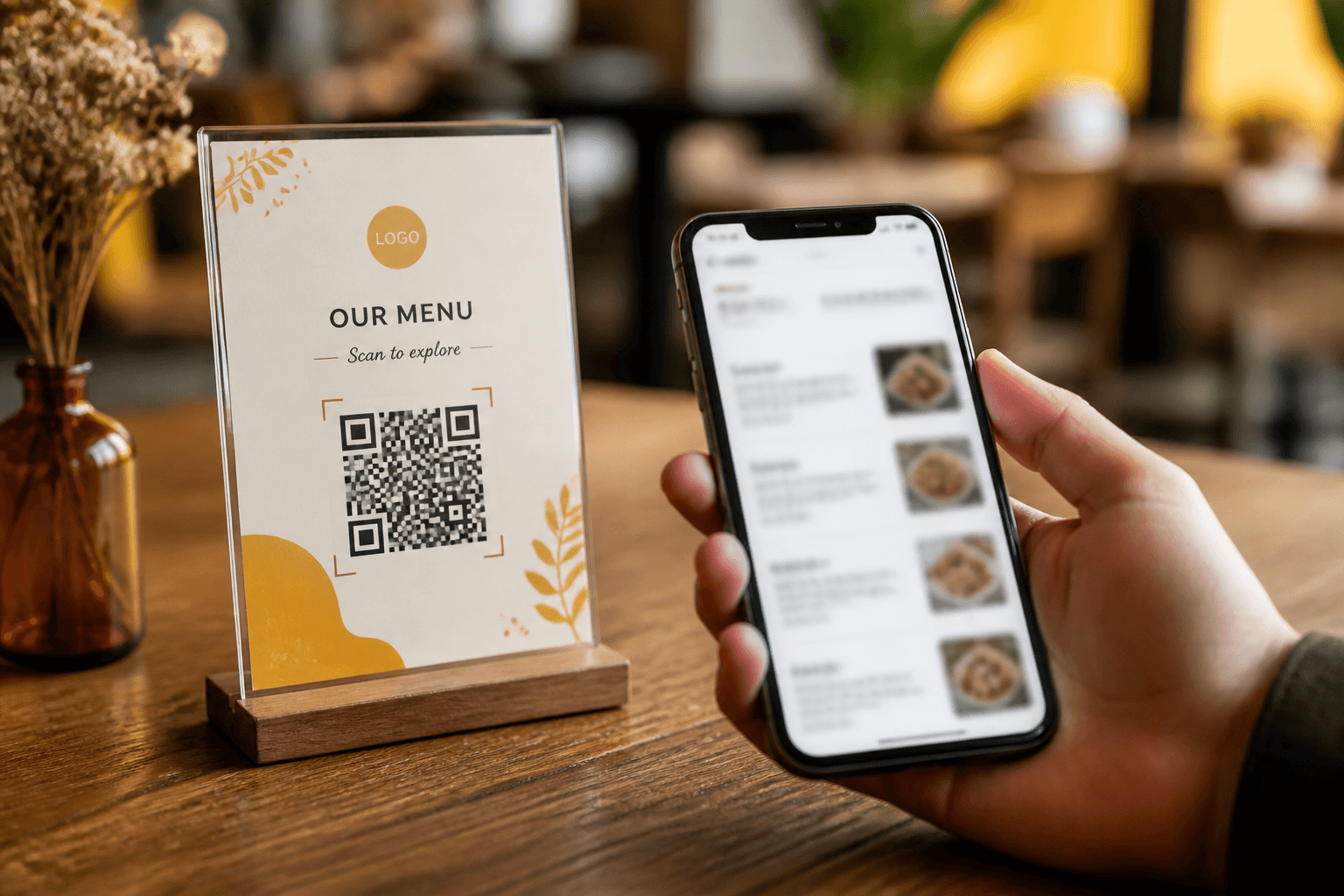
A QR menu is a public digital menu opened by scanning a code — usually on a table tent, standee, or packaging. Done well, it stays current when prices change and can mark items unavailable without reprinting paper.
Build the menu structure first
- Categories guests recognize (Starters, Mains, Breads, Beverages)
- Clear names and short descriptions
- Prices in the outlet’s currency with consistent formatting
- Photos only if they look like your real plating
Make the scan frictionless
Use one QR per outlet linking to that outlet’s public menu URL. Print large enough for dim lighting. Test on Android and iPhone. Avoid forcing an app download — guests abandon friction.
Operate it daily
Mark items unavailable when you 86 them. Review top categories after menu engineering experiments. For multi-outlet brands, keep menus separate when recipes or prices differ — guests hate “surprise” pricing across locations.
RestoHub generates outlet QR menus as public pages you can share and print — updated when your team edits the live menu.